
For colorists and editors in DaVinci Resolve
Soften the light, not the picture.
M3 Diffusion is an OpenFX effect for DaVinci Resolve. It lays a soft veil around bright light, like a Pro-Mist-style filter on the front of the lens. Put it first in the tree, ahead of Glass and Film.
$19 once Mac and Windows. Your download email has both installers.
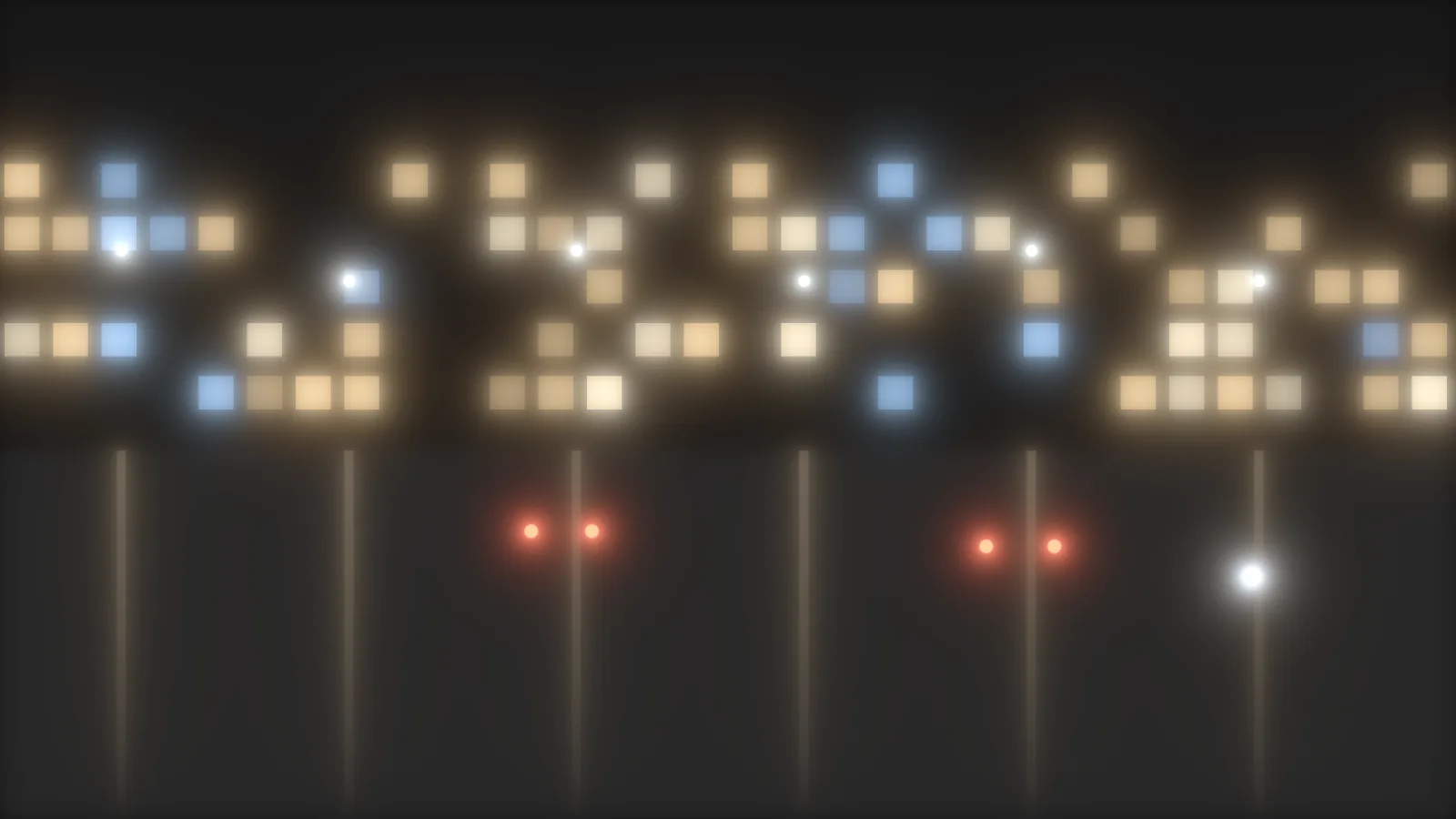
Why not just blur the highlights?
Today
A glow or blur node softens the picture and flattens it. A filter on a lens scatters the bright light and leaves the rest alone. That is the Black Pro-Mist-style look people chase in the grade.
With M3 Diffusion
M3 Diffusion draws the veil from the bright areas and takes its color from the light around them. Red spreads a little wider than blue, so the edge of a halo runs warm and the core stays cooler. Intensity scales the veil without changing its size.
How does M3 Diffusion work?
- 01
Install the package
Quit Resolve and run the Mac or Windows installer. Open Resolve and find it in the OpenFX panel under Monolith 3.
- 02
Put it on the first node
A real filter sits in front of the lens. Put it first in the tree, so the veil goes through Glass and M3-Film's halation sees it.
- 03
Pick a profile and a strength
Six profiles, three strengths. Raise Intensity until you can see it. Set Focal Length to the lens you're imitating.
- 04
Switch off M3-Film's lens section
If you use M3-Film too, turn its lens diffusion section off. Leave both on and you get the veil twice.
What does each profile do?
| Profile | What it does |
|---|---|
| Glow | A tight halo around lights |
| Mist | A soft, wide veil |
| Fog | A very wide veil that lifts the shadows |
| Sparkle | Hard-edged rings |
| Bloom | A dense, short veil that clings to windows and practicals |
| Custom | Your own shape: four lobe sizes and weights, soft, square or ring blur, and a Spread slider |
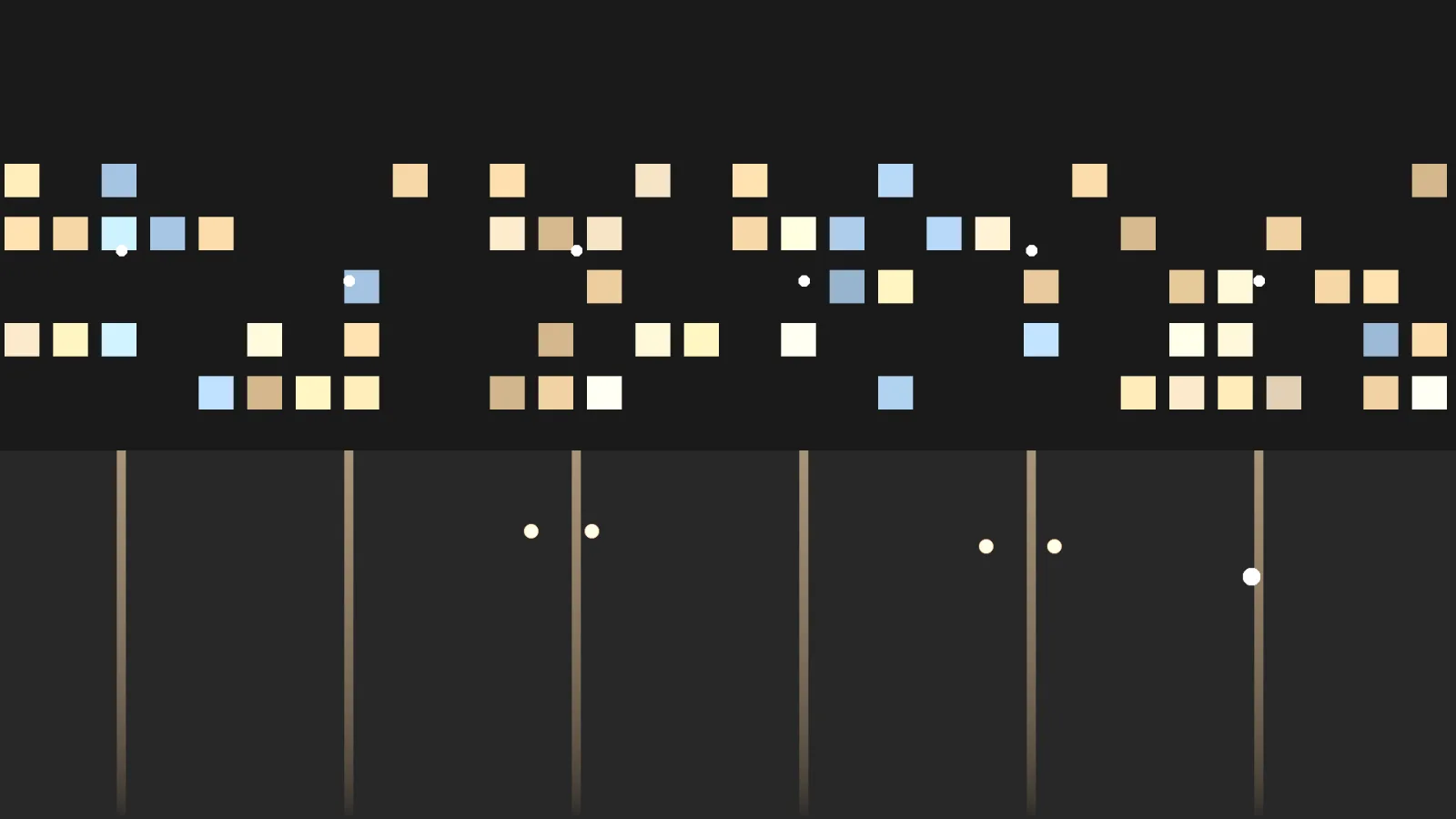
How is it different from M3-Film's lens section?
| M3 Diffusion | Lens section in M3-Film | |
|---|---|---|
| Profiles | Six, with Bloom and Custom | Four: Glow, Mist, Fog, Sparkle |
| Strengths | Light, Medium, Heavy | Light, Heavy |
| Red wider than blue | Yes | No |
| Where it sits | Its own node, ahead of Glass | Inside the film node |
| Cost | $19 once | Included in M3-Film |
What do you get?
- The M3 Diffusion OpenFX effect for DaVinci Resolve on Mac
- Six profiles, three strengths, and a Custom shape (version 1.0)
- The Windows installer too, in the same email
- Setup steps by email, and a person to write to if you get stuck
Who isn't it for?
- Anyone who already has M3-Film and wants a quick veil. Its lens section does a simpler version.
- Anyone not grading in DaVinci Resolve
What does M3 Diffusion cost?
Pairs with: M3-Film · M3 Glass · M3 Balance
Or get all four in M3 Coloring Tools.
Questions
What do I need to run it?
DaVinci Resolve on a Mac with macOS 13 or later, Apple silicon or Intel, or on Windows. We test it in Resolve 21.
How do I get a Pro-Mist-style look in DaVinci Resolve?
The free way: duplicate your clip's node, key the highlights, blur that key wide, and mix it back over the picture at low gain. It works, but red and blue spread the same amount and you rebuild it on every shot. M3 Diffusion does it in one node, with Glow, Mist and Bloom profiles and a veil that spreads red wider than blue, for $19 once. Pro-Mist is a Tiffen trademark. M3 Diffusion is not made by or affiliated with Tiffen.
Where do I put it?
On the first node, ahead of M3 Glass and M3-Film. If you use M3-Film's own lens section, switch it off so the veil isn't doubled.
How fast is it?
On an M2 Max, a UHD frame takes under 8 ms, whatever the profile.
Does it run on Windows?
Yes. Your download email has a Mac link and a Windows link. The Windows version is new. If anything looks off, write to info@monolith3.studio.
The installer won't open. What do I do?
It isn't signed, so macOS may block it the first time. Open System Settings, then Privacy & Security, scroll down and click Open Anyway, then open the installer again. On macOS 15 and later, right-click and Open no longer works. On Windows, click More info on the warning, then Run anyway.
Is M3 Diffusion made by Blackmagic Design?
No. M3 Diffusion is an independent OpenFX effect from Monolith 3. DaVinci Resolve is a trademark of Blackmagic Design, which doesn't make or endorse it.